What’s new in eXo Platform 5.2?
New features in eXo Platform 5.2?
Many great enhancements come up in eXo Platform 5.2. Thanks to eXo teams and Community members who participated by contributing ideas, discussing and voting for the new features.
Chat UX and UI Improvement
eXo Chat application was redesigned in order to:
- Make it easier to use
- Facilitate the way to sort and filter discussions
A new Ux was also introduced for mobile users.
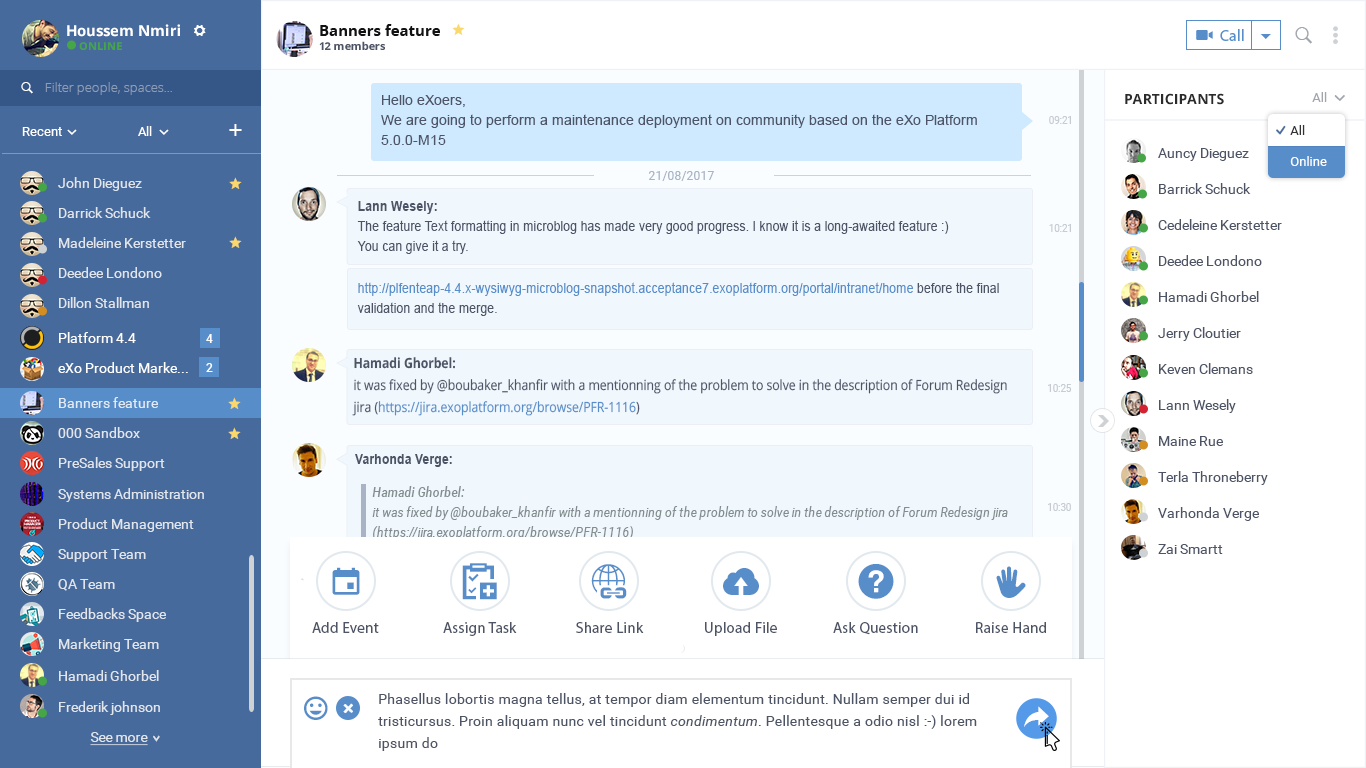
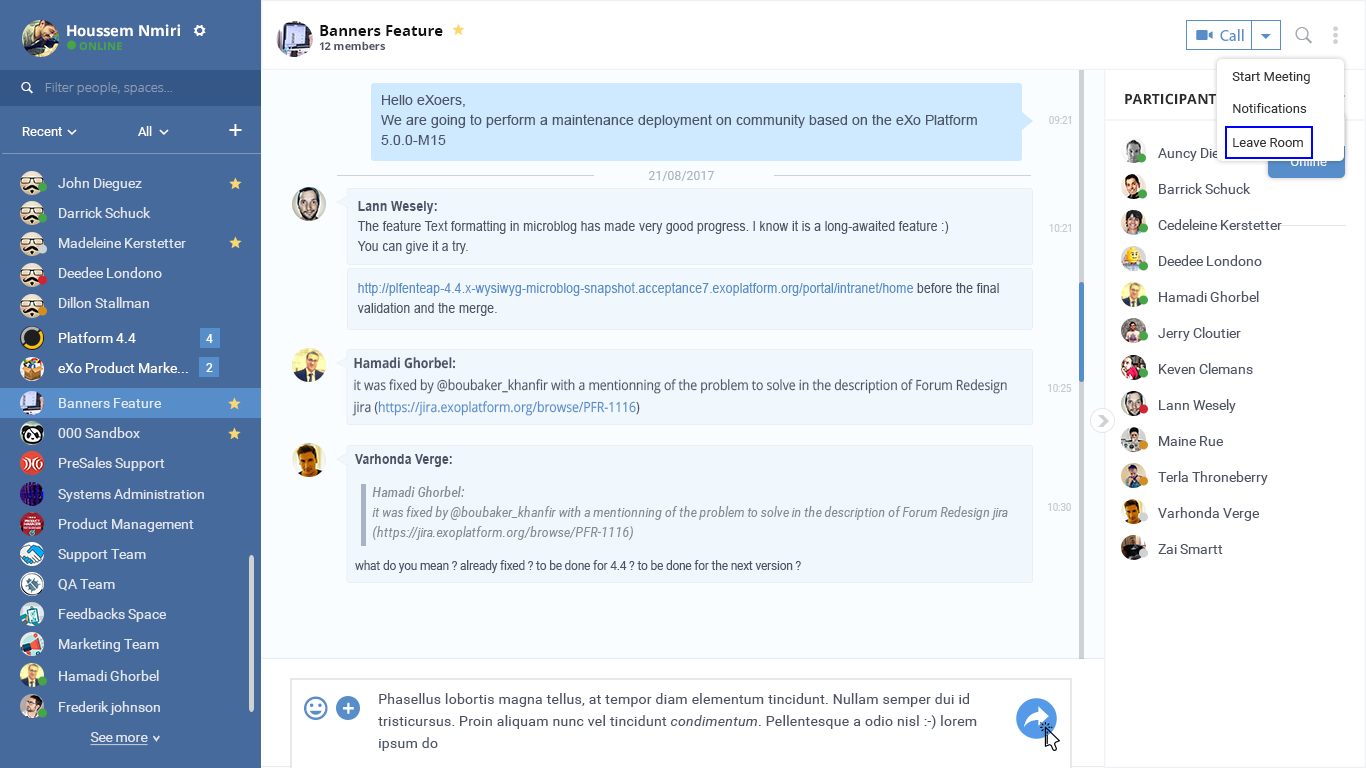
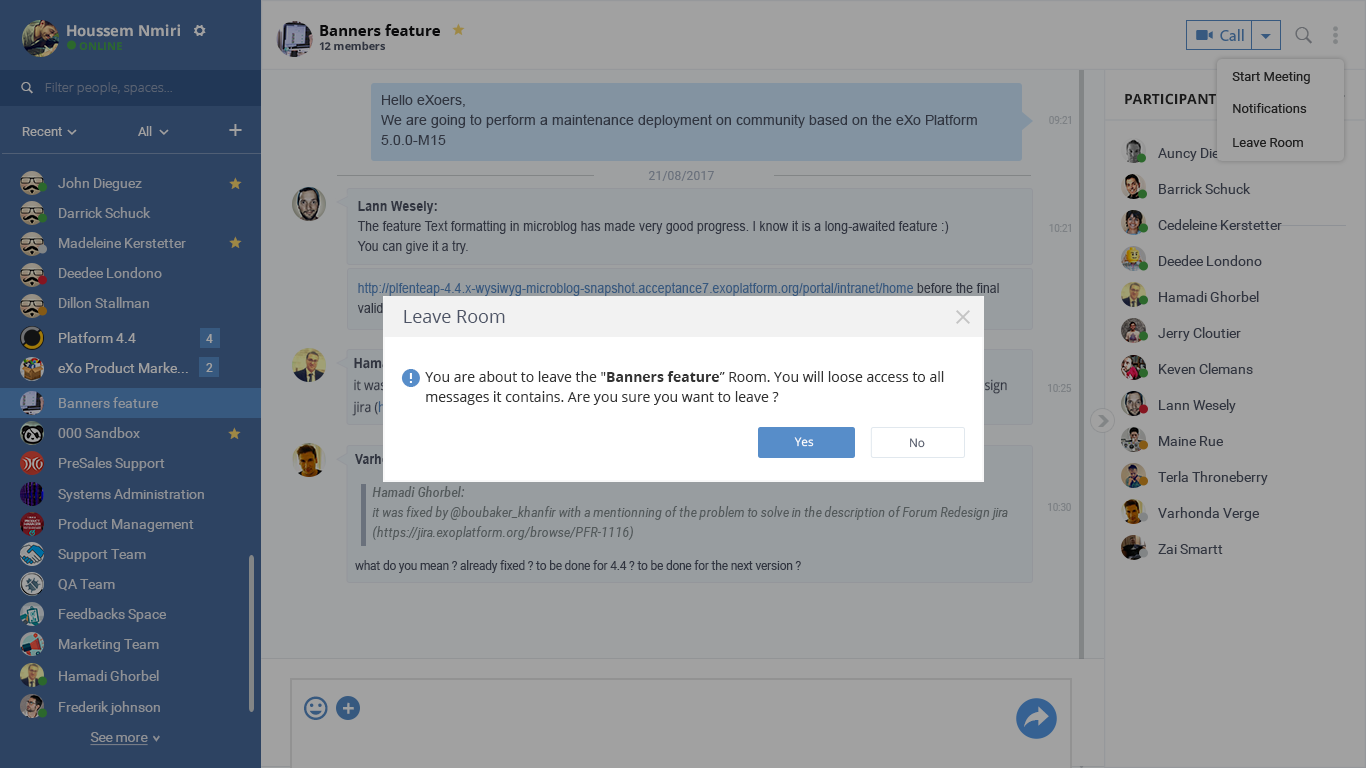
Leave Chat Room
In addition to improving the Chat UI and UX, a new feature is added to the 5.1 version: The possibility to the user to leave a chat room by himself.
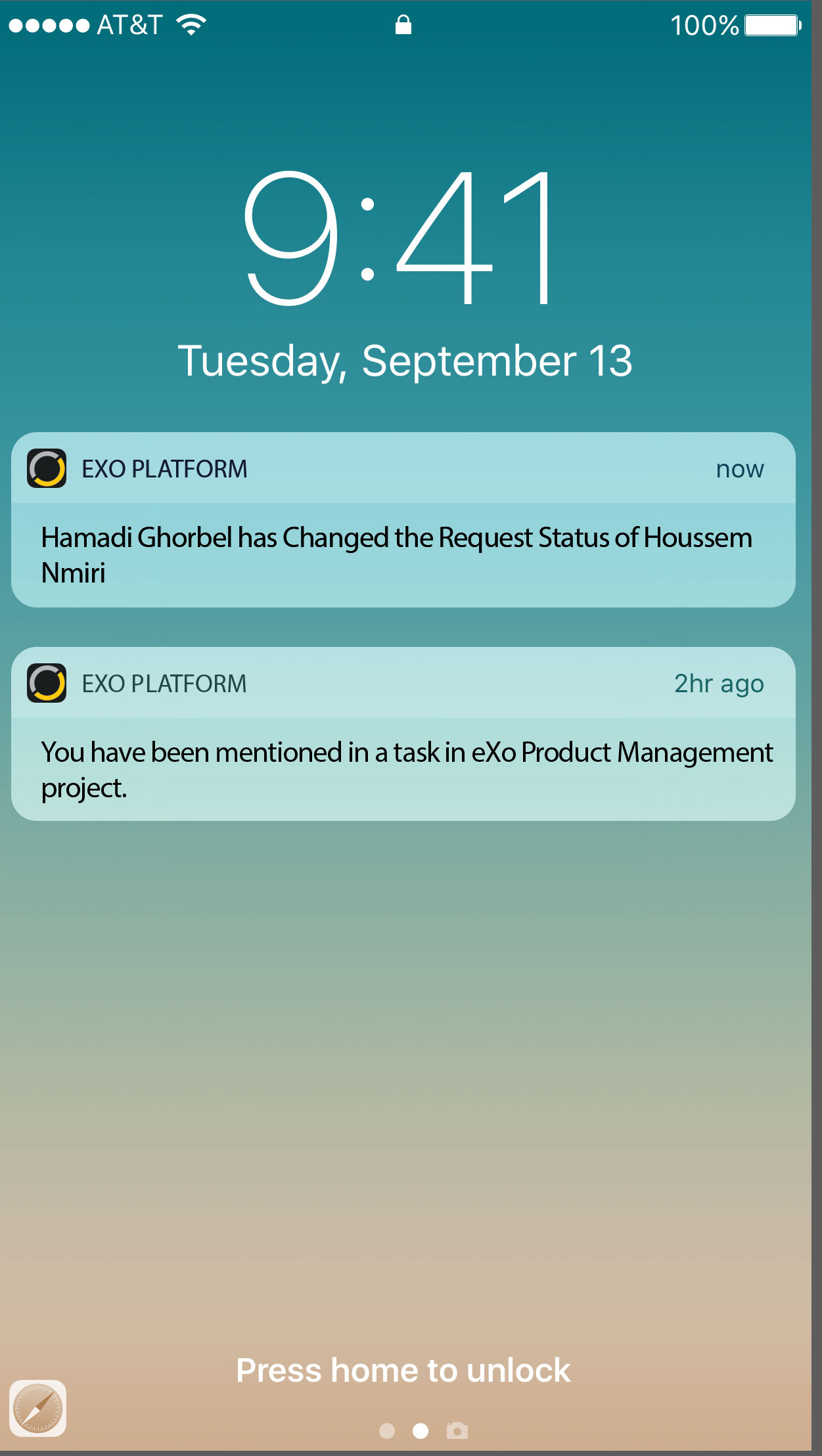
Mobile push notifications
With the 5.1 version, you are instantly notified about news in your community through the mobile push notifications for Android and iOS mobile devives.
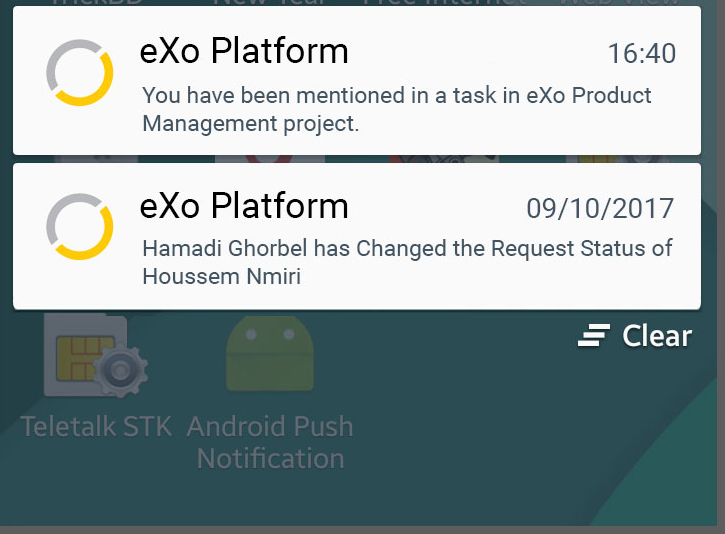
Move “Connect” button to the profile banner
The connect button has been moved in the profile banner same as for the Chat and Call buttons. This move aims to facilitate user’s connections from their profiles and also to facilitate the accept or deny request.


Tasks permission
Managing tasks permission is, henceforth, assigned to some roles such as: The tasks project manager, the task’s creator and the task’s reporter.
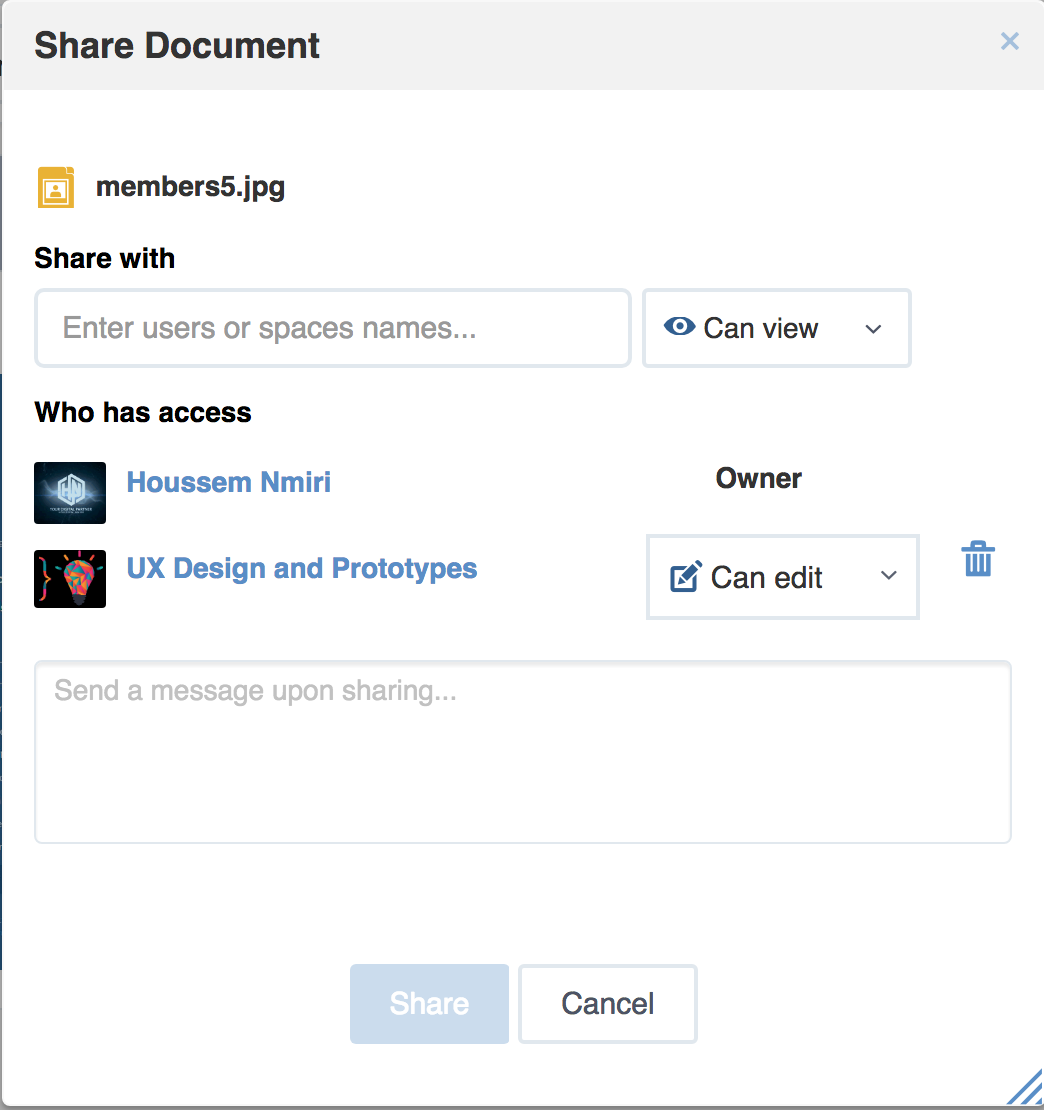
Share file improvement suggestion
The “Add user” button is removed to make easier the file sharing. You just need to select users, the right to attribute and then share the file.
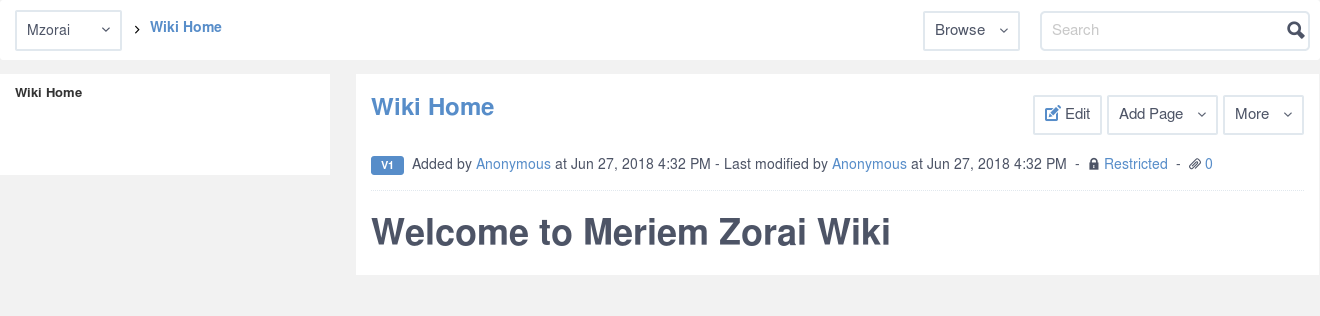
Welcome to my Wiki
In the wiki application, no more generic message, you will have a welcome page having the location specification. For example, if you are in a personal wiki application, you will got this messge “Welcome to user’s name wiki”.
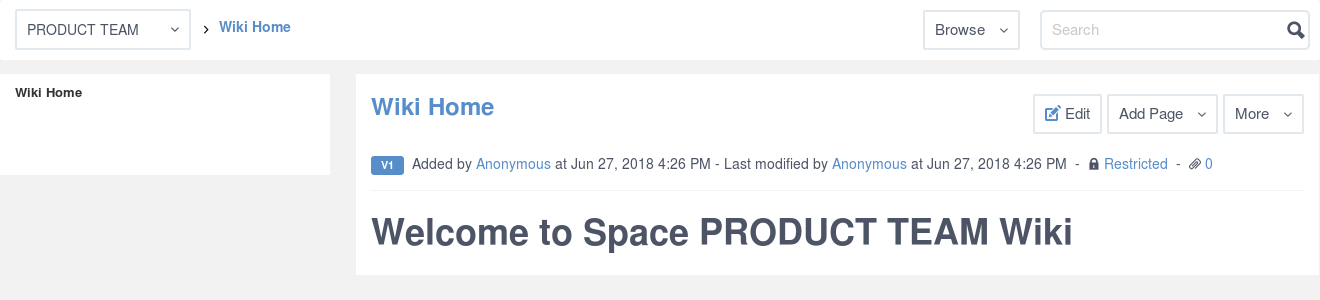
If you are in a space’s wiki, you will see the message “Welcome to space’s name wiki”.
Technical novelties in eXo Platform 5.2
Upgrades
eXo Platform 5.1 now supports JBoss EAP 7.1. This new version comes with some improvements and fixes some issues which impacted eXo Platform:
Performances and scalability
In eXo Platform 5.1 we continued our effort on improving the performance and the scalability by changing some strategies, configurations and data storage:
- Users/Groups/Roles import in database: a new job is implemented to import IDM data in IDM database asynchronously and periodically.
- Smarter data user synchronization: only mandatory data are imported in database during synchronization, other user’s data are imported on login or when it is required (lazy import).
Migrations
- As cited in the previous section, eXo Chat has a new design. Moreover, from a technical point of view, it has been implemented using a new frontend framework (Vue.js).
- Chat favorites data has also been changed. An upgrade plugin runs on eXo Platform 5.1 startup to migrate existing data to the new format.
Some others Improvements
- Harmonize cache configuration in cluster and local modes.
- Improve Mbean cache naming: All caches are now named with the
following pattern:
<project>.<cacheName> cluster.node.nameparameter automatically generated when not set.upgrade.properties fileis not needed anymore, upgrade plugins are automatically triggered.